
104 Windows settings, labelled before you touch them.
Qwerty Tweaks tunes Windows for the hardware it is actually running on. Each setting is checked against your processor, graphics card and Windows build first, so one that would not work on this PC is never offered. Nothing is applied on its own, and every change switches back off.
Windows 10 and 11, 64-bit.
- Settings
- 104
- Pages
- 7
- Safe · moderate · dangerous
- 73 / 26 / 5
- On disk
- 263 MB installed
- Reported back to us
- Nothing
What the labels mean
Every setting carries one of three labels, and the label is the app's own estimate of how much attention it deserves. These are the real totals for the whole catalogue, not a sample.
- Safe 73 Settings Windows users change routinely. Applied as soon as you switch one on.
- Moderate 26 Worth knowing about first, because a few have side effects on particular hardware. The app asks before applying one, unless you turn that confirmation off.
- Dangerous 5 Can affect stability or your data. The app always asks, and asks Windows for a restore point before it runs.
What it changes
Counts are what this build ships. A page only ever shows the settings your hardware and your version of Windows support, so your own list will be shorter than this one.
| Page | Settings | Safe / Moderate / Dangerous | Examples |
|---|---|---|---|
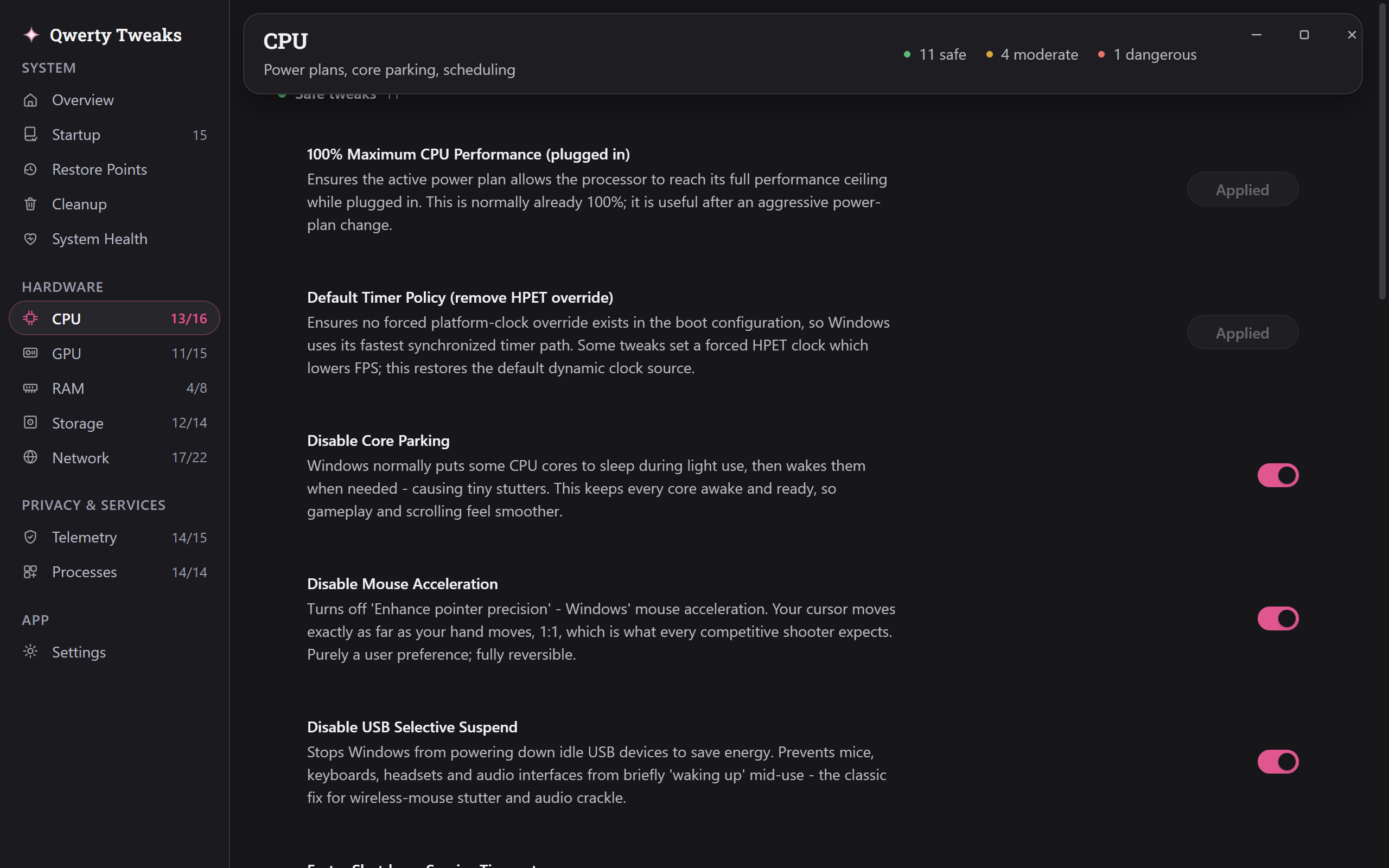
| CPUPower plans, core parking, scheduling | 16 | 11 / 4 / 1 | High Performance Power Plan, Global Timer Resolution, Disable Mouse Acceleration |
| GPUGame mode, DVR, hardware scheduling | 15 | 9 / 4 / 2 | Hardware-Accelerated GPU Scheduling, Disable Game DVR, MSI Mode for GPU |
| RAMCache policy, page file behavior | 8 | 5 / 2 / 1 | Enable Memory Compression, Disable SysMain, Prefetch for Boot and Apps |
| StorageNTFS tuning, write caching | 14 | 10 / 3 / 1 | Keep SSD TRIM Enabled, Disable NTFS Last-Access Updates, Automatic Storage Sense |
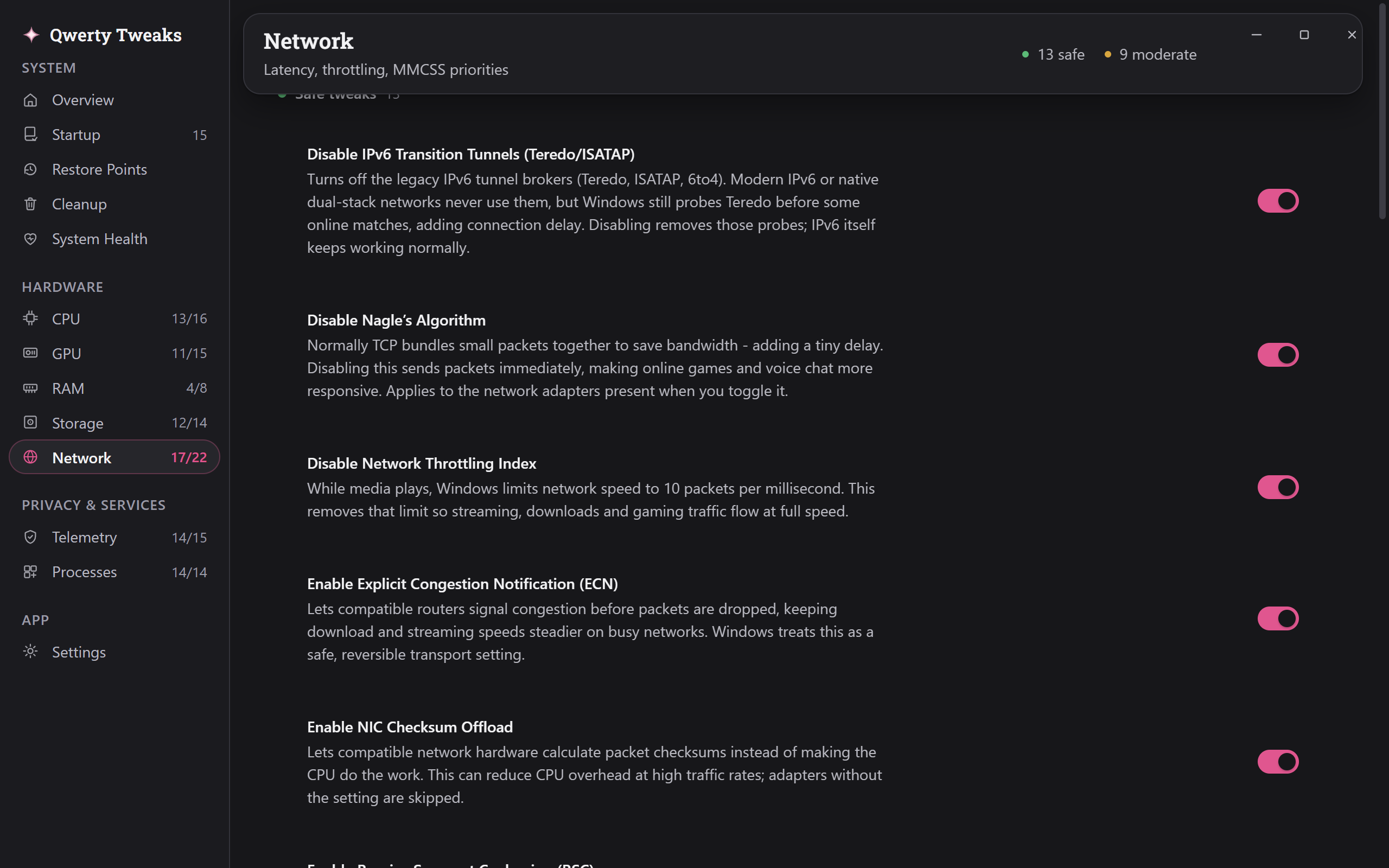
| NetworkLatency, throttling, MMCSS priorities | 22 | 13 / 9 / 0 | Disable Nagle's Algorithm, Receive Side Scaling, Stop Windows Powering Off Network Adapters |
| TelemetryDiagnostics, advertising ID, activity feed, error reporting | 15 | 14 / 1 / 0 | Diagnostic Data: Security Only, Disable Advertising ID, Disable Microsoft Recall |
| ProcessesServices most people never use | 14 | 11 / 3 / 0 | Disable Remote Registry, Disable Fax Service, Disable Program Compatibility Assistant |
Alongside the settings
- Live readings
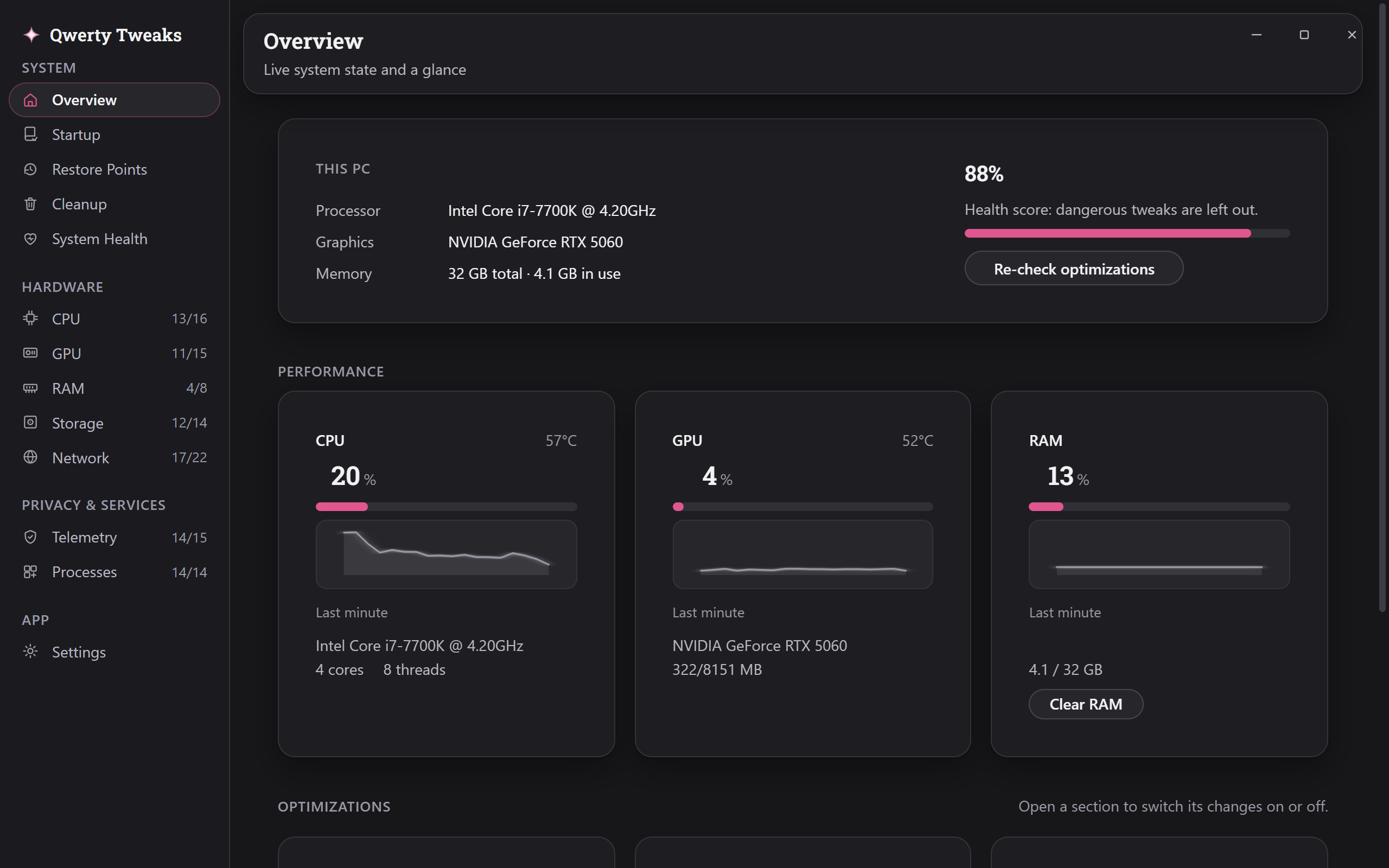
- Processor, graphics and memory once a second. Usage, temperature and clock speed come from separate sensors, so a busy part is not reported as a hot one.
- Startup manager
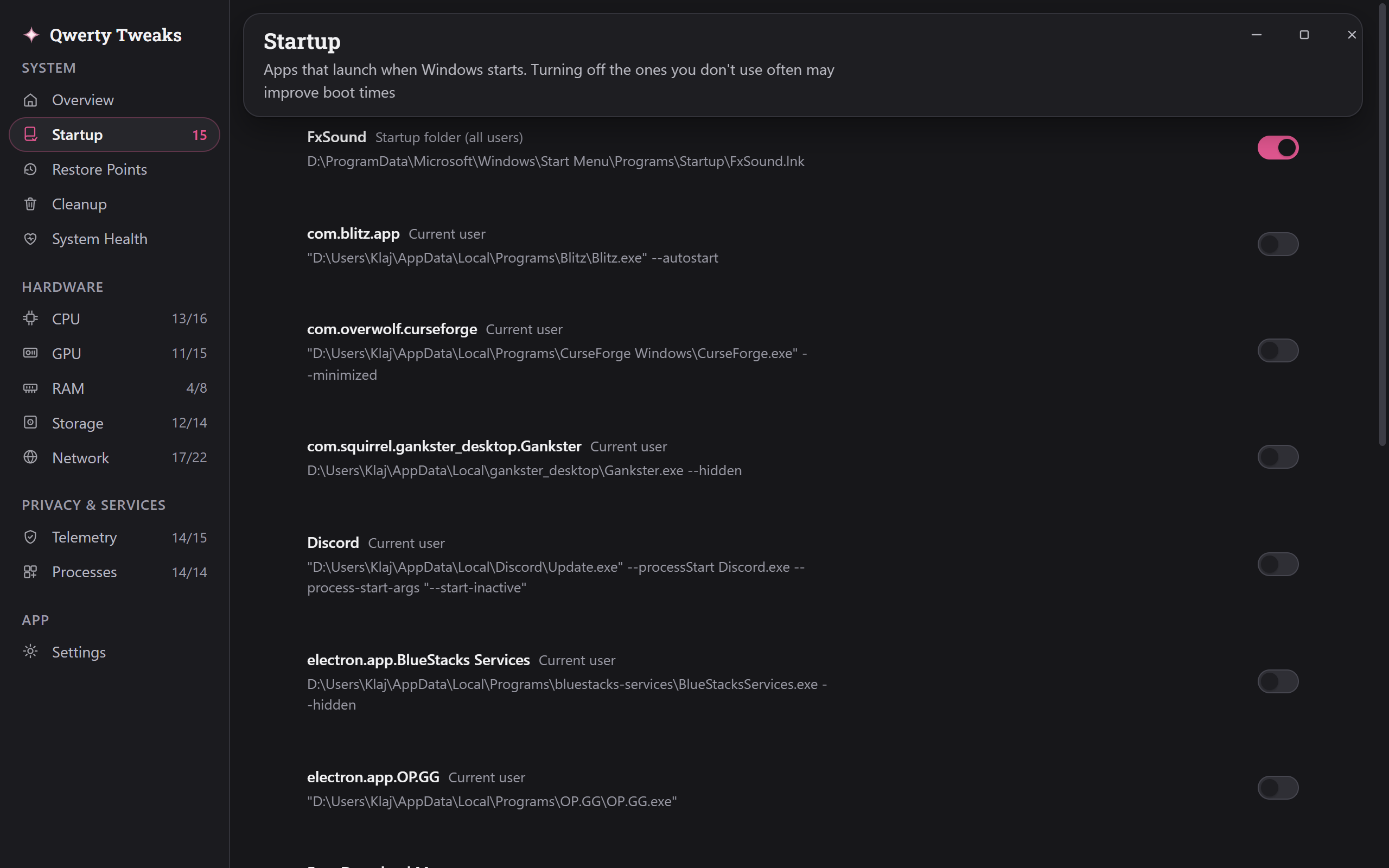
- What launches with Windows and what it costs, switched off without being deleted.
- Restore points
- Create, roll back and delete Windows checkpoints from inside the app.
- Registry snapshot
- Every change photographs the keys it touches first, so it can be put back exactly.
- Driver updates
- The drivers meant for this PC, kept apart from the ones that are not.
- Cleanup
- Shows what can be freed before it removes anything, and removes only what you tick.
The interface
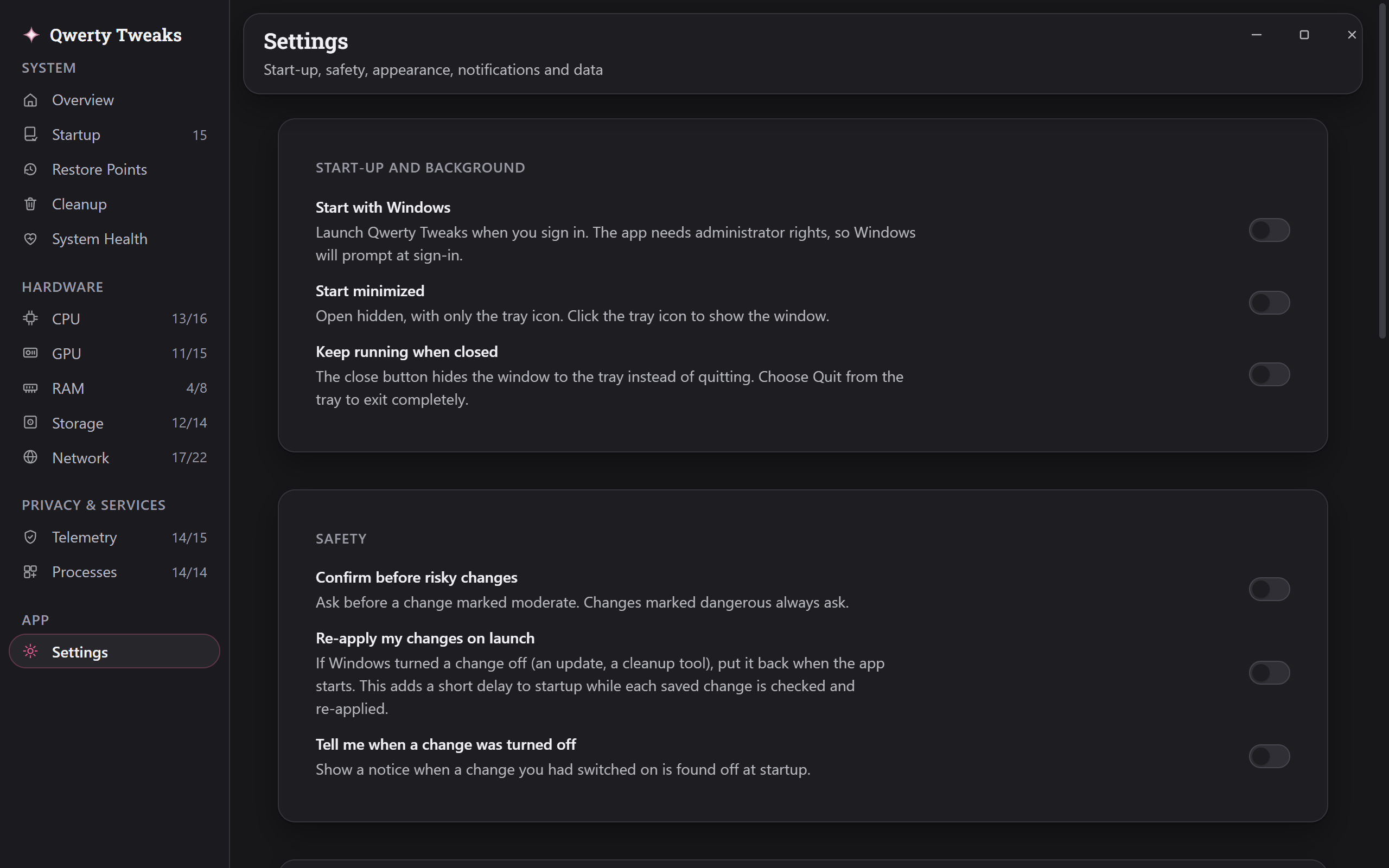
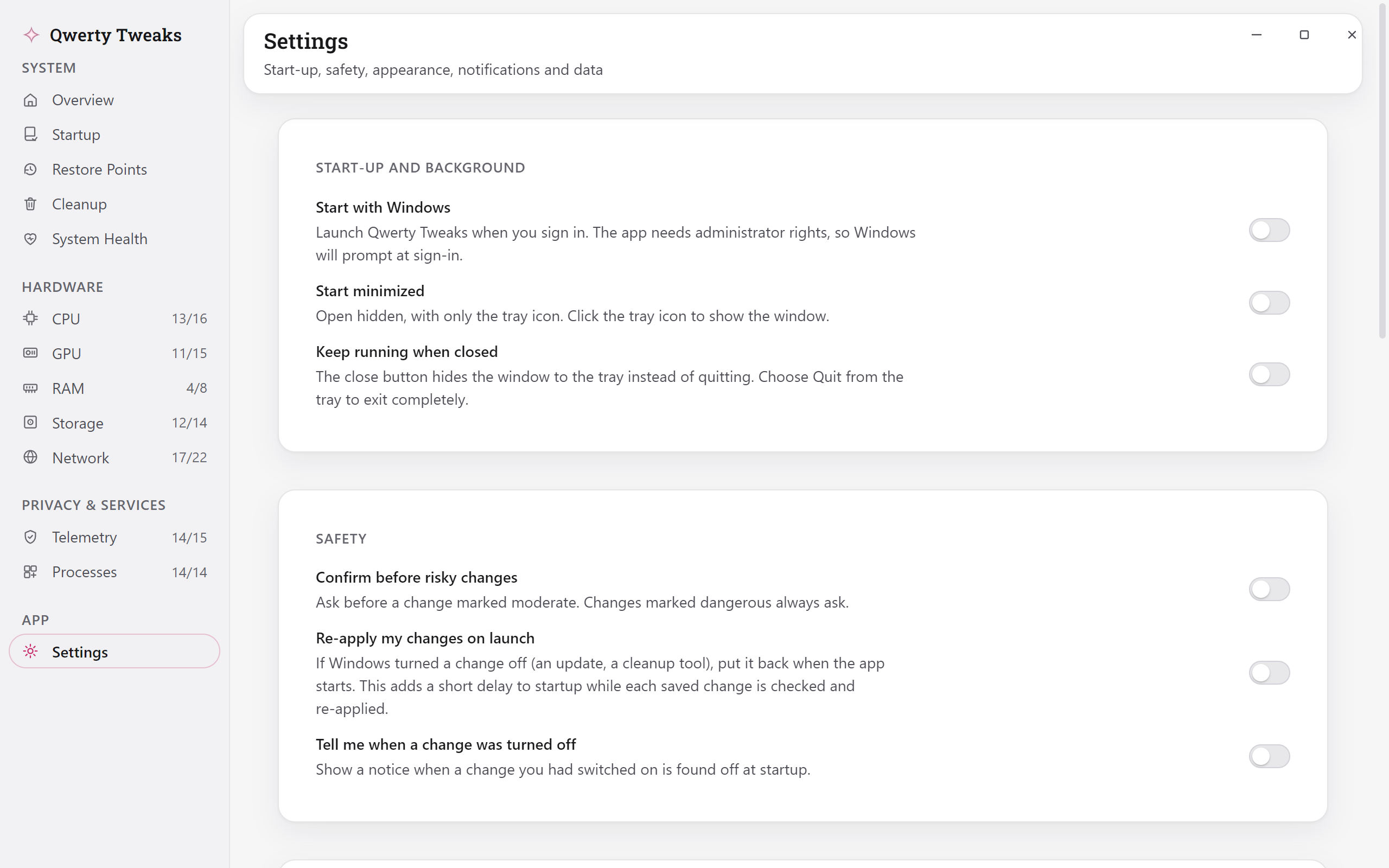
Screenshots of the shipped build, taken on a PC running it.
What it does not do
- Nothing runs by itself. Every setting is one you switch on.
- Nothing is sent anywhere. There is no account, no sign-in and no telemetry, and the privacy page lists everything the app writes to your PC.
- Nothing has to be permanent. Every change has a switch back off, and the risky ones ask Windows for a restore point first.
We do not guarantee a performance improvement. The app turns on settings Windows already has, and how much you notice depends on your PC and what you run on it.
The app's welcome screen
Download
Qwerty Tweaks 1.3.9 for Windows 10 and 11, 64-bit.
- Windows 10 or 11, 64-bit
- Administrator rights. The app asks once at launch, so applying or reverting a setting never asks again.
- 263 MB installed